A QR on the collar is the fast path. No tag? Take a photo — finders never need an account.
Finder-first lost pet reunionsYou found a pet.
You found a pet.
Now find the owner.
Snap a photo or scan the collar tag. PawsGuardian matches it to registered pet IDs and asks the owner privately, “Did your pet get lost?” — then opens an anonymous chat. Names and home addresses stay off the public board. Pets in Lost Mode can appear on Help them home so neighbors can look out.
Owner accounts and private chat are for people 18 or older.
Free to start. Your name, phone and home address stay private.
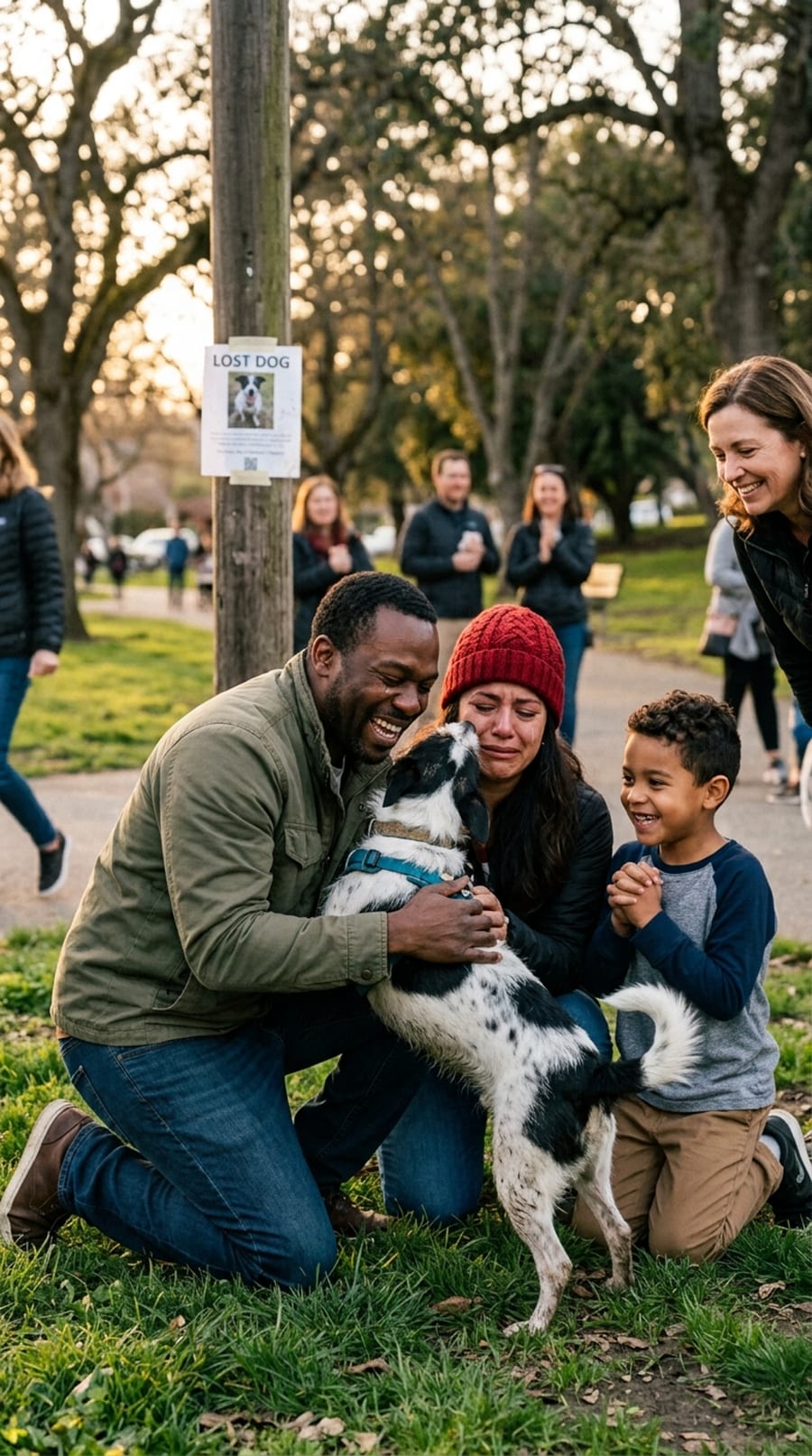
Owner confirmed · private chat opened
2 tapsfrom found to owner alerted
0names or addresses shared
300 ftfuzzy area, never your exact pin
Freeto register · $5 once adds a QR tag
The whole story, in one watch
An illustrated walkthrough of finder-first reunions — why posting a lost pet online exposes your family, and how PawsGuardian gets pets home while keeping names, addresses, and your exact location private.
Safety that respects privacy
Instant QR scanning connects finders safely — without revealing your personal info.
- A finder never sees your name, phone, address, or your other pets.
- The owner is always asked first. Say no and the finder never reaches you.
- Chat is anonymous and either side can leave at any time.
How a reunion works
A match never auto-reveals a family. We ask the registered owner first, privately.
After a yes, the finder gets a 300-ft area and an anonymous chat to arrange the reunion.
Plans
Free to register. $5 for full protection.
Every pet gets a private ID and a place on the Lost pets list at no cost. Add Full protection whenever you like — one payment for the life of the ID. No subscription, no renewals.
Free
$0forever
Everything you need to be found when your pet goes missing.
- A private pet ID with up to five photos
- Lost Mode with a pinned last-seen location
- A listing on the public Lost pets board — never your name or address
- Alerts when a similar pet is found near you
- Anonymous private chat with the person who found your pet
- A printable LOST poster with a QR code instead of your phone number
Full protection
$5one time, per pet · plus tax
Everything in Free, plus the fastest ways home:
- A PawsGuardian QR tag, mailed to your door
- Tag scans — anyone who scans the collar reaches you privately in seconds
- AI photo matching — every finder’s photo is compared with your pet
- Lost Mode catch-up — finder photos from the past 7 days are re-checked the moment you turn it on
When your tag arrives, activate it from your pet’s ID — its QR code becomes your pet’s code. You can upgrade at any time, even after your pet goes missing, and matching starts right away.
Helping a lost pet home is always free, and finders never need an account. We never charge a card unless you choose to pay.
Confidence on every corner
“We saw the flyer, scanned the tag, and had our dog back within the hour — without giving a stranger our address.”
That’s the whole point: get pets home fast while keeping families safe. Owners register a private ID; finders help in seconds.
Privacy is the product
A lost-pet app fails if it becomes a map of people’s homes and every registered animal. PawsGuardian does not publish the full registry. Pets an owner puts in Lost Mode can appear on the public Help them home board by ZIP — still without a home address, legal name, phone, or exact pin.
Never shared
Exact GPS pin, home address, legal name, phone, email, or the other pets on your account.
Shared only after you say yes
The found photo, a 300-foot last-seen area, and an anonymous chat room either person can leave.
Lost Mode
Flip one switch the moment your pet goes missing
Your pet stays private until you need help. Turn on Lost Mode and pin where they were last seen: your pet appears on the Lost pets board for neighbors near that spot — even in another state on a trip — and anyone who sees your pet can reach you through a private chat. You are also alerted when a similar pet is found nearby. With Full protection, every finder’s photo is compared with your pet as well, and unmatched photos from the last 7 days are re-checked the moment you turn Lost Mode on. Turn it off once you’re reunited. Alerts arrive by email and in the app — PawsGuardian does not send texts.
Never bothered for a pet that’s home
Only pets in Lost Mode appear on the board or are matched with a finder’s photo, so you’re only contacted when it matters.

Find the owner, not just the pet.
Register your pet for free and add Full protection for $5 whenever you’re ready — or help a lost one home right now. Finder tools are always free.
Frequently asked questions
What is PawsGuardian?
PawsGuardian is a free app and website that helps lost pets get home. Owners register their pets privately. When someone finds a pet, they scan its QR tag or submit a photo, and the owner is asked privately before a chat opens. Names, phone numbers and home addresses are never shared.
Is PawsGuardian free?
Yes. Registering a pet, Lost Mode and the Lost pets list are free. Full protection is an optional one-time $5 (plus tax) per pet and adds a mailed QR collar tag and AI photo matching. There is no subscription.
Can I make a lost pet poster for free?
Yes. Turn on Lost Mode for your pet and tap “Print a LOST poster”. The poster has a QR code instead of your phone number: neighbors scan it and you are told privately. It is free for every pet.
Do finders need an account?
No. Anyone can scan a PawsGuardian tag or report a found pet with a photo without signing up.
How is this different from a microchip?
A microchip needs a vet or shelter scanner. A PawsGuardian QR tag can be scanned by anyone with a phone, right where the pet is found. Many owners use both.
Where is PawsGuardian available?
PawsGuardian works across the United States, on the web at www.pawsguardian.app and as an Android app on Google Play. It started in Michigan.
More help: Lost and found pet guides · Lost and found pets by city